Post about ilovepdfmac.Get it free.
Love the app? Share it with your audience. When one of your posts hits the goal below, DM me the link and a screenshot — you get the full $9.99 license, free.
Pick a platform. Hit one goal.
Any one post on any one platform is enough.
Show a quick screen recording or screenshots of the app doing a job you actually needed.
Share an honest review or a before/after (e.g. a 40 MB PDF compressed to 5 MB) where Mac apps are welcome.
Film a short “Mac apps you need” or “student/work hack” reel showing the app in action.
A review, a tutorial, or include it in a “best Mac apps” video with a link in the description.
How it works
- 1
Post about ilovepdfmac
Share an honest post, reel or video that shows the app and includes the link (or “link in bio”).
- 2
Hit the view goal
Reach the views for your platform. Real, organic views only — post once, on any one platform.
- 3
DM me the proof
Send the post link and a screenshot of the view count to @shubhranshu2009 on X. Your license key arrives within 48 hours.
Not sure what to write?
Copy a starter post for your platform, add your own words, and attach the demo video or a screen recording of you using the app.
- Show the app doing a real job
- Say what you honestly liked
- Include the link (or “link in bio”)
Found a Mac app that replaces every PDF website I used 👀

ilovepdfmac — merge, compress, sign, edit and convert PDFs. Works 100% offline, files never leave your Mac.

$9.99 once. No subscription.

www.ilovepdfmac.app
Tip: Show a quick screen recording or screenshots of the app doing a job you actually needed. Make it your own — honest posts perform best.
Use the official demo
A 60-second demo of merging, compressing and signing — ready to attach to your post or cut into a reel.
Questions before you post? DM me.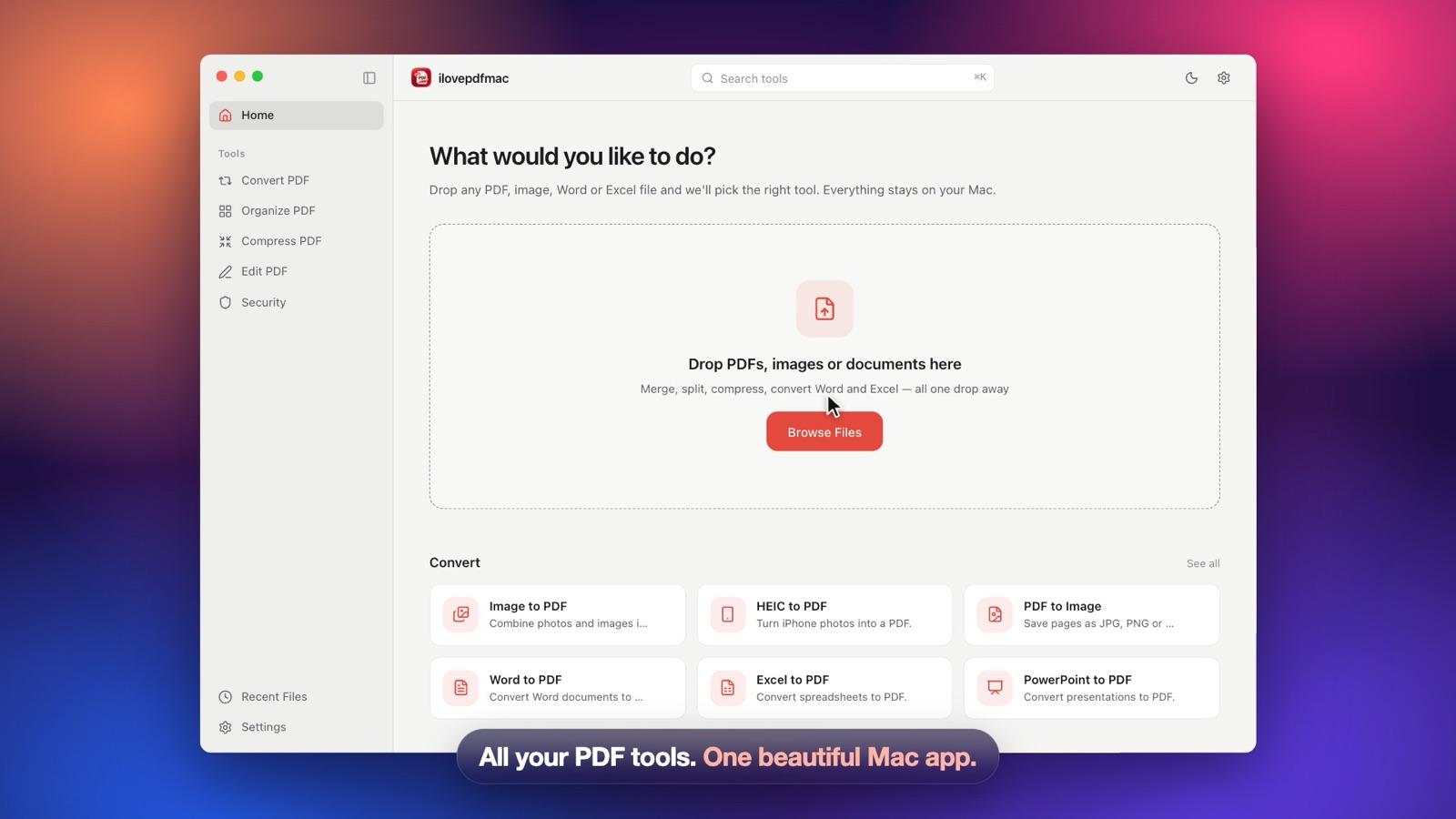
The rules
- Your post must be public, mention ilovepdfmac by name and include the link (for Instagram, “link in bio” is fine).
- Views are counted from the platform's own stats — send a screenshot that shows them clearly.
- Only real, organic views count. Bought views, bots or view-exchange groups disqualify the post.
- Keep the post up for at least 30 days after you receive your license.
- Follow each platform's rules — some subreddits only allow self-promotion in certain threads.
- One free license per person. It works on 2 Macs, exactly like a paid one.
- The program may change or end at any time. Posts already approved will always get their license.
Questions
Is the free license the full app?+
Yes. It's the same full version people pay $9.99 for, with all tools and future 1.x updates, on up to 2 Macs.
Can I add up views from several posts?+
No — one post needs to reach the goal for its platform on its own. You can try on a different platform if one post doesn't get there.
How do I send the proof?+
DM @shubhranshu2009 on X with the link to your post and a screenshot of its view count. If you can't use X, email shubhranshukhatua@gmail.com.
How fast do I get my license?+
Usually within 48 hours. The license key is sent to you by DM or email, and you activate it in the app's Settings.
Can I use the demo video and screenshots?+
Yes, please do. Download the official demo video and poster below and use them in your post.
I already bought the app. Can I still join?+
This program is for new users. If you've bought it and want to share it anyway, thank you — DM me and I'll send you something nice.
Hit your goal? Send it over.
Post link + a screenshot of the views. Your license key arrives within 48 hours.